A well-chosen home office gift can make daily work more comfortable, keep a busy desk organized, or support a side project. These 13 ideas range from practical workspace upgrades to audio and connectivity gear.
Use the recipient’s setup as your guide: their devices, desk space, and everyday routine can help you choose something they’ll enjoy using.
13 Home Office Tech Gift Ideas for Remote Workers and Creators
FIFINE T669 USB Condenser Microphone Kit

- Connects to a PC or laptop through USB for recording vocals, podcasts, or calls.
- Includes a desktop boom arm stand, double pop filter, and USB cable.
- The adjustable arm supports positioning for voiceovers or online meetings.
Best Gift For: Podcasters, voiceover artists, and video creators recording at a desk.

HUANUO FlowLift Dual Monitor Desk Mount

- Designed for two compatible computer screens.
- Offers tilt, swivel, and rotation adjustments.
- Built-in cable management helps route wires along the arms.
Best Gift For: Someone with two compatible monitors who wants to free up desk space and adjust screen positions.
TP-Link BE6500 WiFi 7 Router
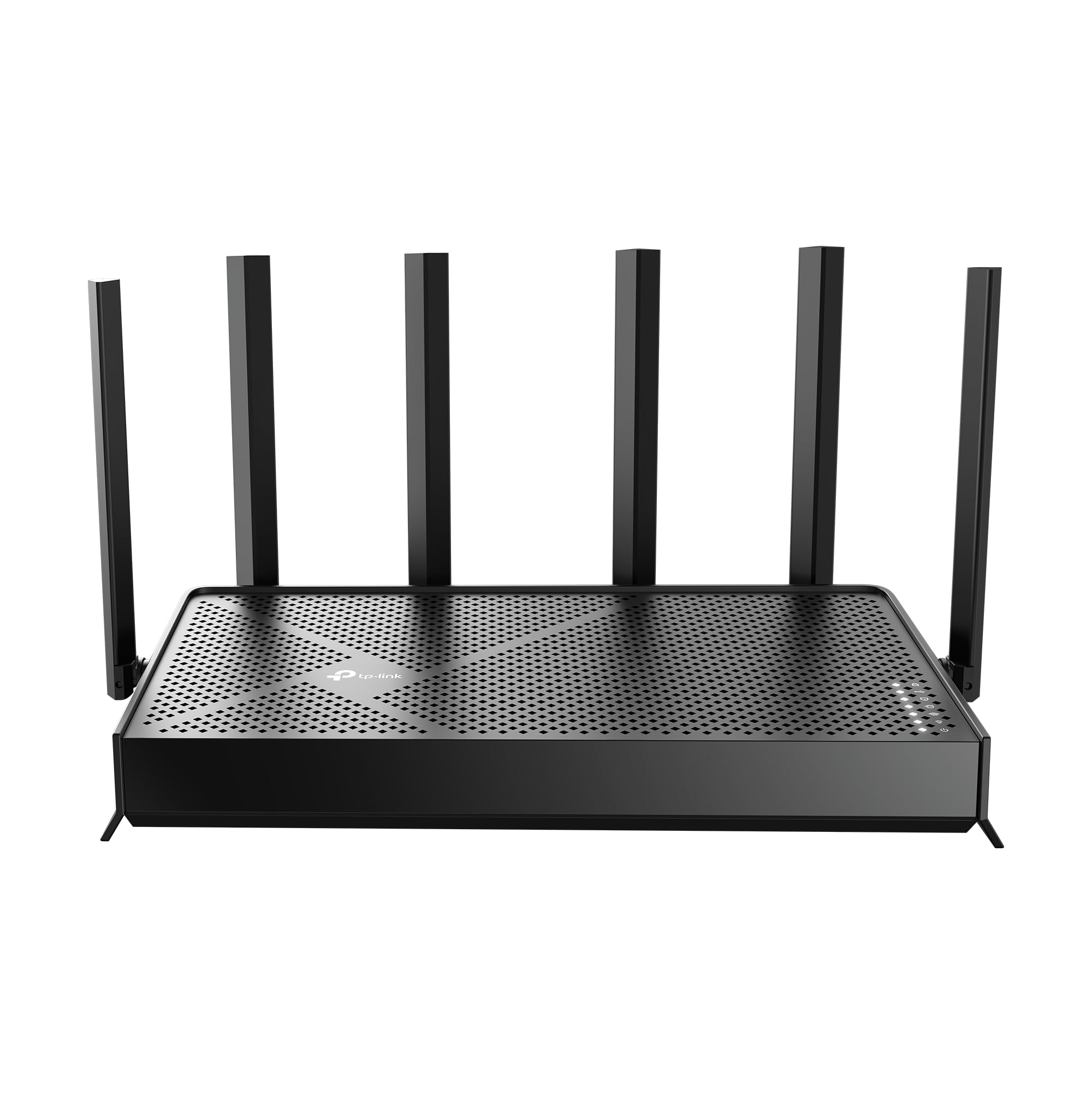
- Uses WiFi 7 technology with Multi-Link Operation.
- Provides up to 2,400 sq. ft. of coverage for up to 90 devices.
- Includes a 2.5 Gbps WAN/LAN port and a 2.5 Gbps LAN port.
Best Gift For: A remote worker looking to upgrade their home network and connect multiple devices.
SteelSeries Arctis Nova Pro Wireless Headset

- Connects two systems at once for switching between compatible devices.
- Active noise cancellation helps reduce distracting sounds.
- Two hot-swappable batteries support continued use while one charges.
Best Gift For: Someone who moves between computer work, calls, and gaming across compatible systems.
SABRENT USB-C Hub with M.2 SSD Slot

- Connects through an integrated USB-C cable at 10Gbps.
- Includes HDMI output for an external display and Gigabit Ethernet.
- Has an internal M.2 slot for an M.2 SATA or NVMe SSD.
Best Gift For: A laptop user who needs extra ports, wired networking, or portable storage options.
SteelSeries Apex 3 RGB Keyboard

- Whisper-quiet switches are designed for nearly silent use.
- Ten-zone RGB illumination offers color schemes and reactive effects.
- Includes a magnetic wrist rest and dedicated multimedia controls.
Best Gift For: Someone who wants a full-size-feeling desk keyboard with quiet switches and a wrist rest.
Audioengine A2+ Wireless Desktop Speakers

- Compact powered speakers are designed for nearfield desk listening.
- Connects to a computer through USB-C with an integrated 24-bit DAC.
- Supports Bluetooth streaming and wired connections.
Best Gift For: A home office worker who enjoys music, podcasts, or clear audio for video calls at their desk.
Nulaxy Pull-Out Adjustable Laptop Stand

- Fits laptops sized from 10 to 17 inches.
- The stand raises the screen from 1.2 to 20 inches.
- Its foldable design helps save desk space when stored.
Best Gift For: A laptop user who wants to raise and adjust their screen at a desk.
BESTEK PD20W USB Power Strip Tower
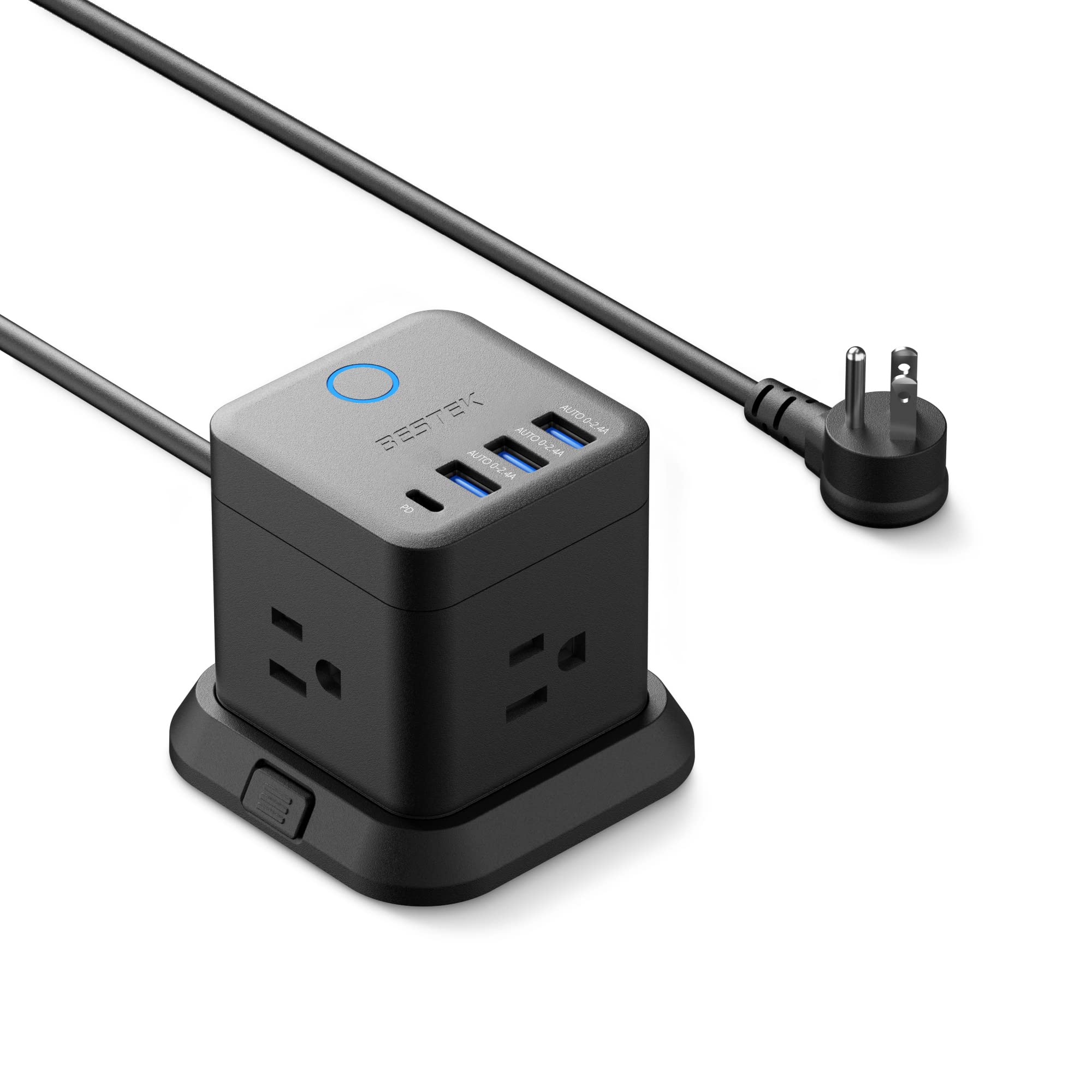
- Combines three outlets with USB-A and USB-C ports.
- Can be mounted on a desktop, under a table, or on a wall.
- Includes a five-foot extension cord and detachable base.
Best Gift For: Someone who regularly charges several devices around a home office desk.
SteelSeries Aerox 3 Wireless Mouse

- Supports both 2.4GHz wireless and Bluetooth 5.0 connections.
- Its shell design reduces the mouse weight to 68g.
- The interior is rated IP54 against water splashes, dust, and dirt.
Best Gift For: A desk worker who also enjoys PC gaming and wants a wireless mouse.
SHOKZ OpenMove Open-Ear Bluetooth Headphones
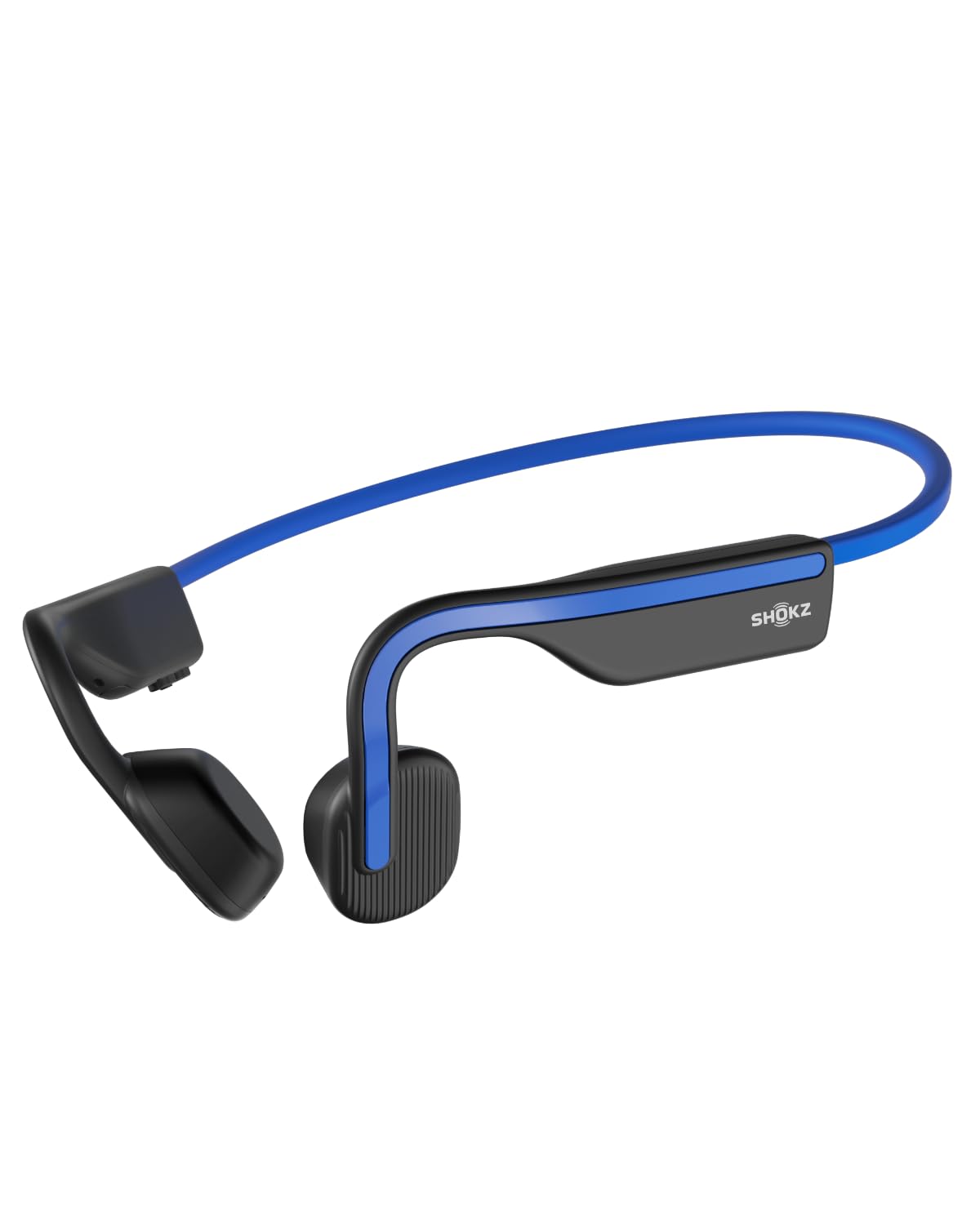
- The open-ear design lets the wearer stay aware of their surroundings.
- The wraparound titanium frame is designed to stay in place during low-impact activities.
- Provides six hours of music, calls, and podcasts on a charge.
Best Gift For: Someone who likes listening to podcasts or taking calls while staying aware of their surroundings.
MAONO Wave T5 Wireless Lavalier Microphone

- Captures audio at 48kHz/24-bit.
- Offers four one-tap voice filters for recording.
- Includes a charging case for up to 40 hours of total use.
Best Gift For: A remote worker or creator recording presentations, interviews, or video content.
Nelko Bluetooth Thermal Shipping Label Printer
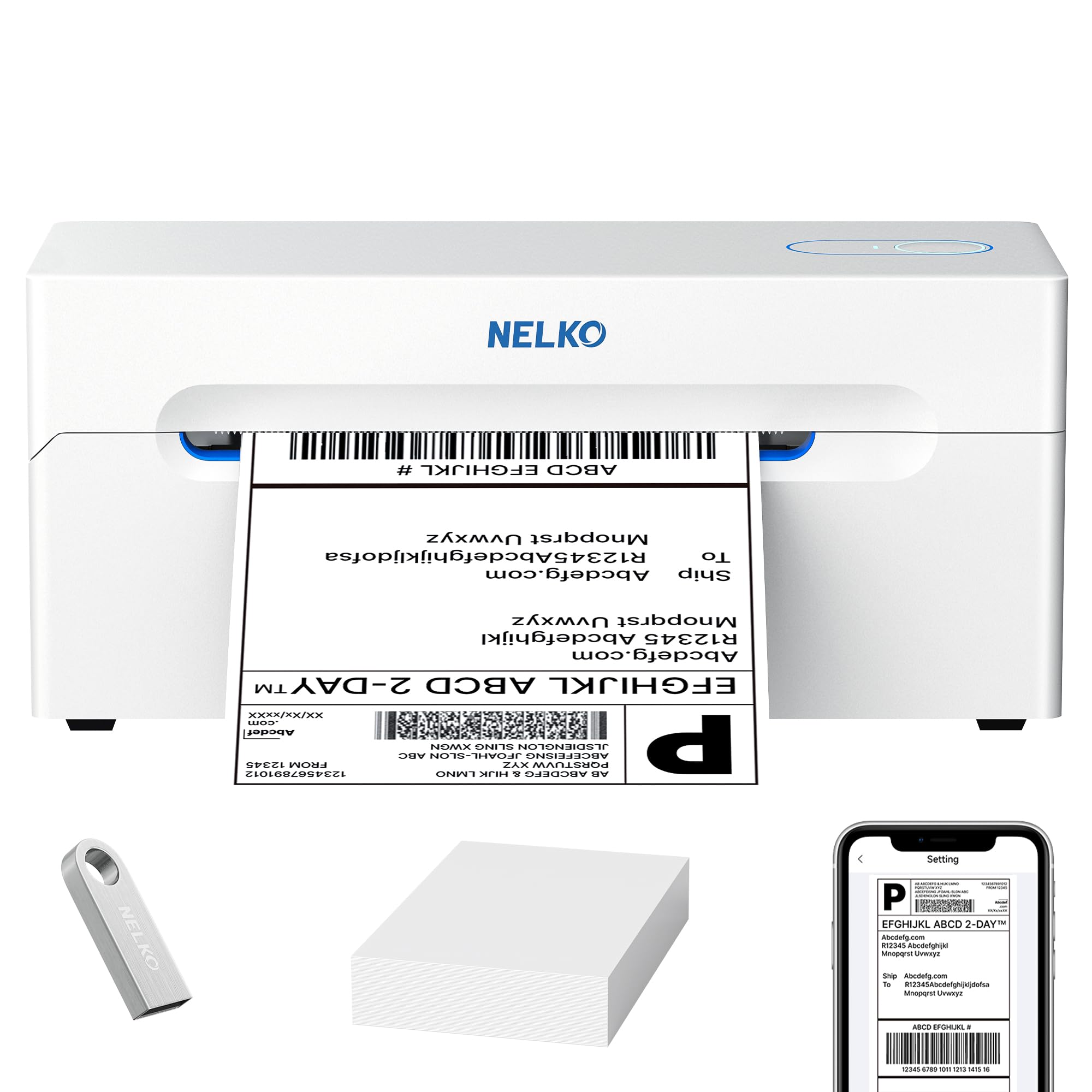
- Prints thermal labels without ink or toner.
- Supports Bluetooth printing with compatible phones and computers.
- Handles fanfold and roll labels from 1.57 to 4.1 inches wide.
Best Gift For: A home-based seller or organizer who prints shipping labels and other labels at a desk.
1. Match home office tech gifts to the workday
When choosing home office tech gifts, think about what the recipient does most often: long video calls, focused writing, managing several screens, or recording tutorials. A useful present should make a regular task easier or make the workspace more comfortable, rather than adding another device they need to find a place for.
Consider how the person works across the day. Someone who switches between calls and quiet concentration may appreciate audio equipment, while a laptop user who moves between sitting and standing may value an adjustable screen position.
For a creator who records at a desk, a microphone can support a more intentional setup.
Before buying a larger accessory, consider the space it will occupy and the equipment it will connect to. A dual-screen mount depends on desk and monitor fit, while a hub is most useful when it matches the recipient’s computer and the peripherals they actually use.
A little observation can prevent an impressive gift from becoming a mismatch.
2. Balance the gift with the setup
A modest desk accessory can feel especially thoughtful when it solves a small, repeated annoyance. A better place to charge devices, a keyboard suited to a shared room, or a laptop position that fits the desk can make the workday feel more considered without turning the gift into a major equipment purchase.
For bigger upgrades, think about the parts the recipient would need around the main item. A monitor mount may call for compatible screens and a suitable desk; a hub may be most helpful when there are accessories to connect.
Check the current product details, compatibility, dimensions, and actual price before deciding what fits your budget.
If you are unsure what they already own, choose something that complements rather than replaces their core computer. Practical gifts work best when they slot into an established routine, and it can be helpful to ask a discreet question about ports, desk layout, or audio preferences before committing.
3. Personalize home office tech gifts
Personalization can come from matching home office tech gifts to the recipient’s routine and room. For a person who hosts frequent calls, think about how they prefer to hear and be heard; for someone who enjoys music at their desk, consider whether speakers or headphones better suit their space and habits.
A small note explaining why you picked the gift can make practical gear feel personal: mention their new remote-work routine, a side project they are developing, or the care they put into a welcoming workspace. If you are gifting a larger item, coordinate discreetly so they can confirm compatibility without losing the surprise entirely.
Presentation can stay simple. Keep cables and any included parts together, wrap smaller accessories in a way that is easy to open, and add a card with a specific wish for their workday.
If setup may take some time, offer to help them make room or connect the gift when it is convenient.
4. Last-minute shopping and thoughtful choices
When time is short, prioritize a gift that is easy to identify as useful and whose compatibility you can verify quickly. Check the current product details, the recipient’s computer or devices, and the dimensions of anything that must fit a desk.
For delivery-sensitive purchases, review the estimate shown at checkout instead of assuming it will arrive by a particular date.
If there is not enough time to confirm a complex upgrade, a smaller desk accessory can still feel intentional when it fits the person’s routine. A card can explain the idea behind the gift and leave room for the recipient to choose a preferred color or confirm a detail before opening the package.
For a larger purchase that needs careful fitting, you can present a printed note describing the idea and offer to choose it together. That approach keeps the gesture warm while giving the recipient a say in compatibility, placement, and timing, which matters when work equipment has to fit an existing setup.